converter-hub
Converts spreadsheets, images and other files right in your browser.
- TypeScript
- SQLite (WebAssembly)
- Vitest
tl;dr#
converter-hub is a bunch of tools for converting spreadsheets, databases, data, text and images right in your browser. Your files never hit a server: the app’s own security policy blocks any attempt to send them outside the tab.
the problem#
converting a file usually means uploading it to some random site. if it's a customer spreadsheet or a database dump, that's a real problem: your data ends up on a server you know nothing about.
what I wanted:
- convert without uploads and without a server to maintain;
- handle the really annoying formats (dumps from 24 SQL engines, SQLite databases with WAL, Firebird files, SQL Server backups);
- fail loud and clear when the file doesn't fit, instead of handing back something broken.
the idea#
the browser reads the file, converts it and gives you the result. three rules hold the whole thing together:
- nothing leaves your computer. the file is read with
file.text()orfile.arrayBuffer(), and no request is made to process data. - nothing in the file is ever executed. a SQL dump is read as text and never replayed. a SQLite database is opened read-only.
- what doesn't fit is refused, not guessed. a file that's too big, an unknown format or nested JSON that can't become a table: the app tells you why.
what it looks like#
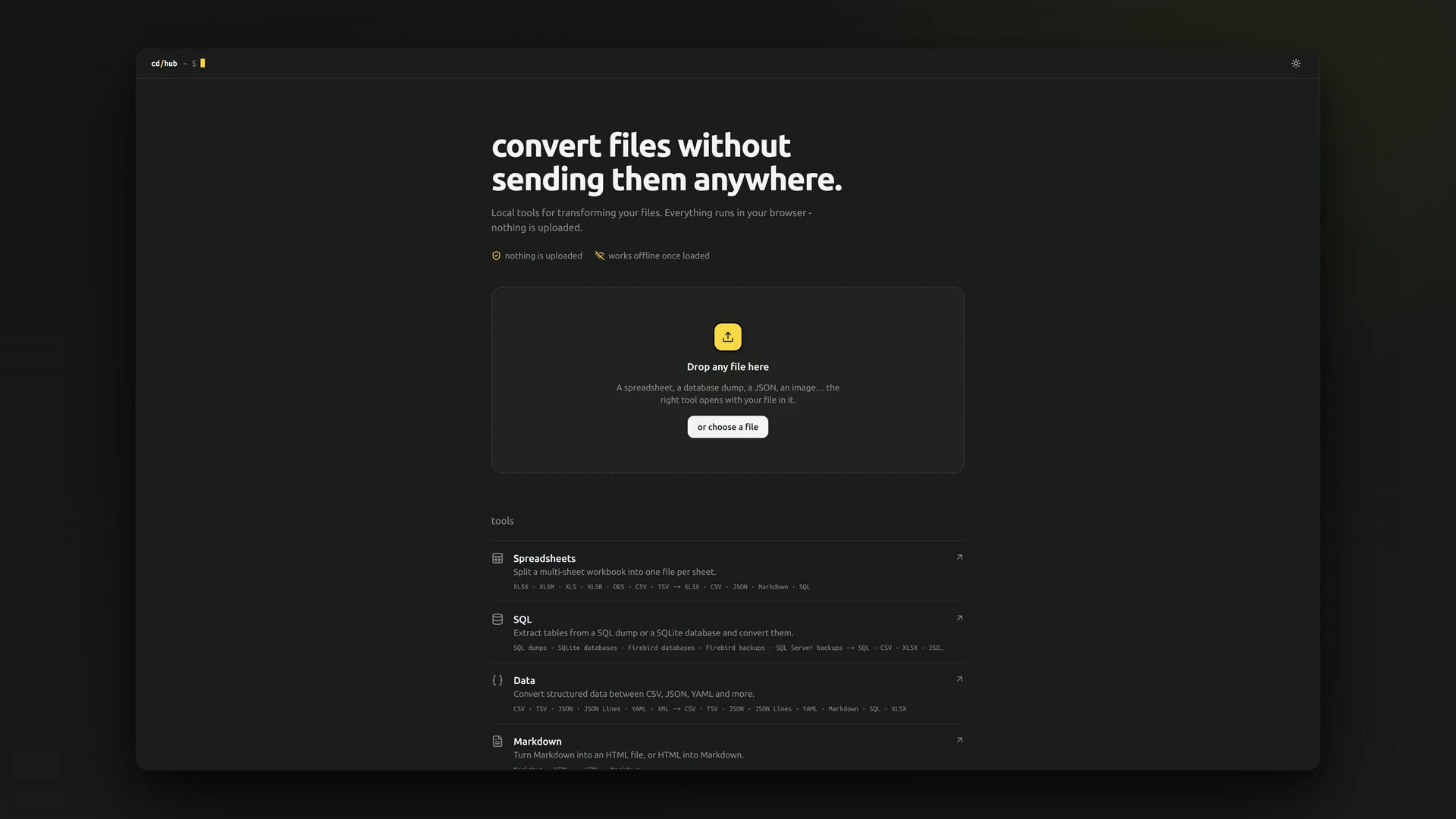
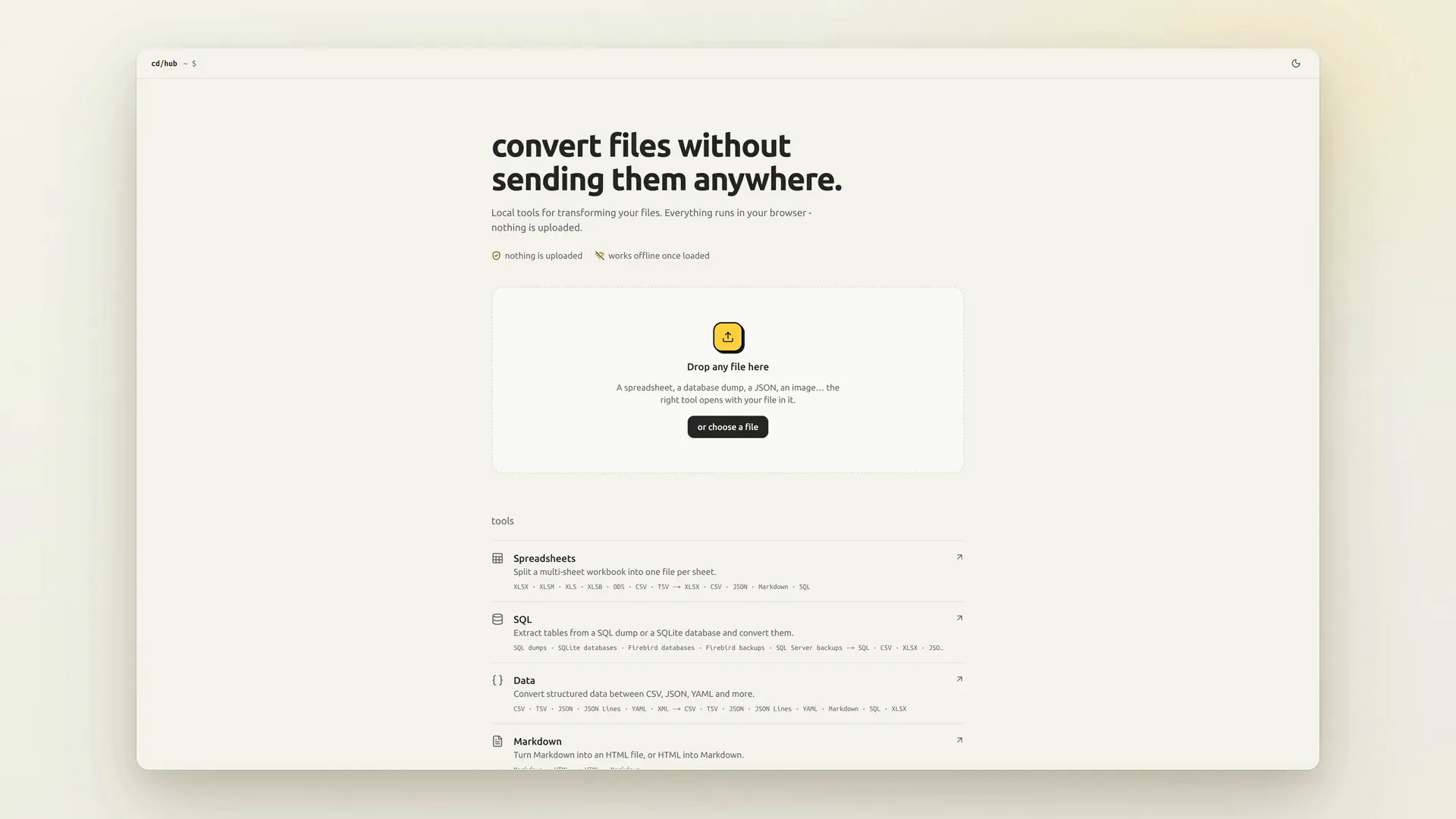
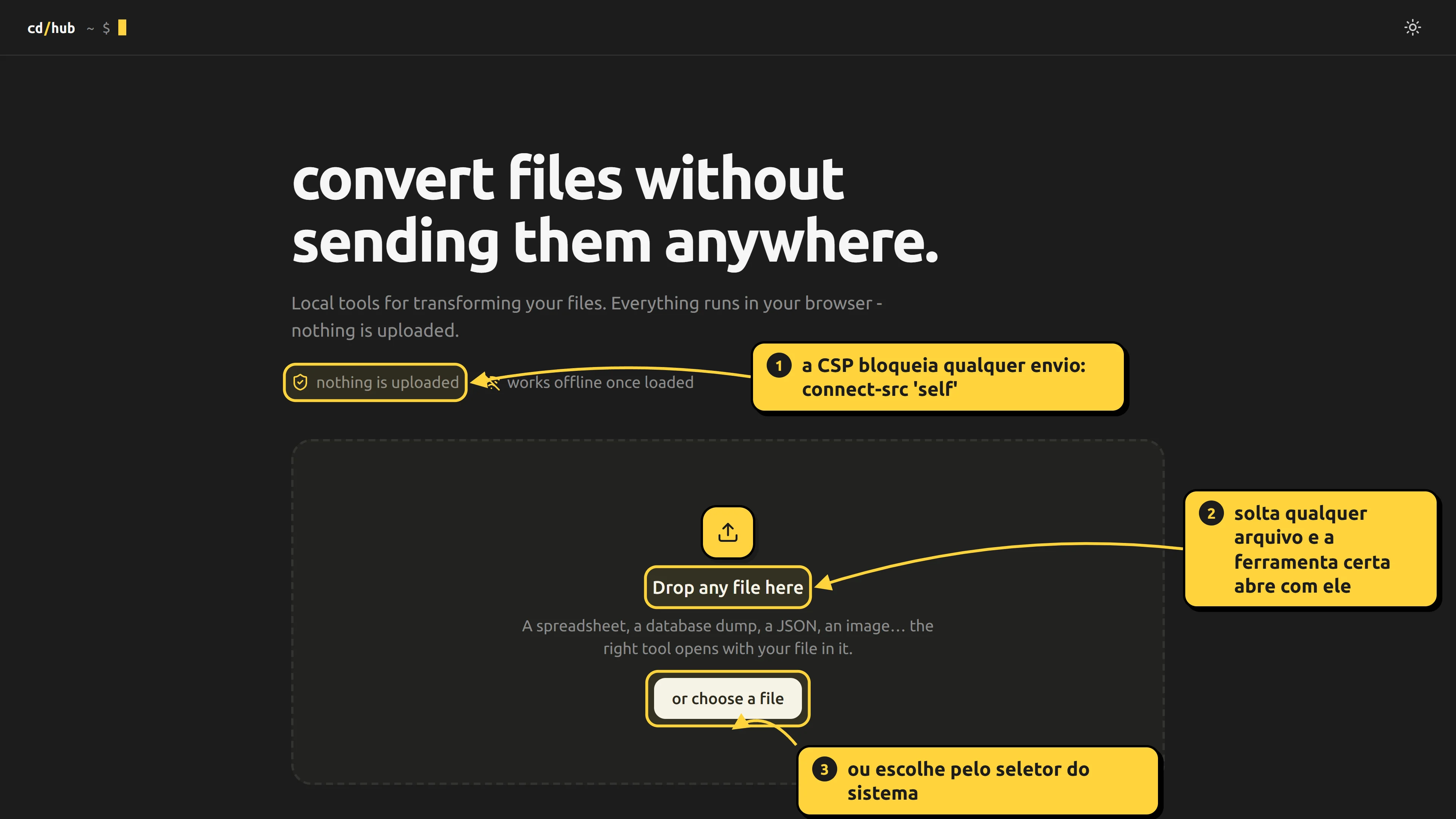
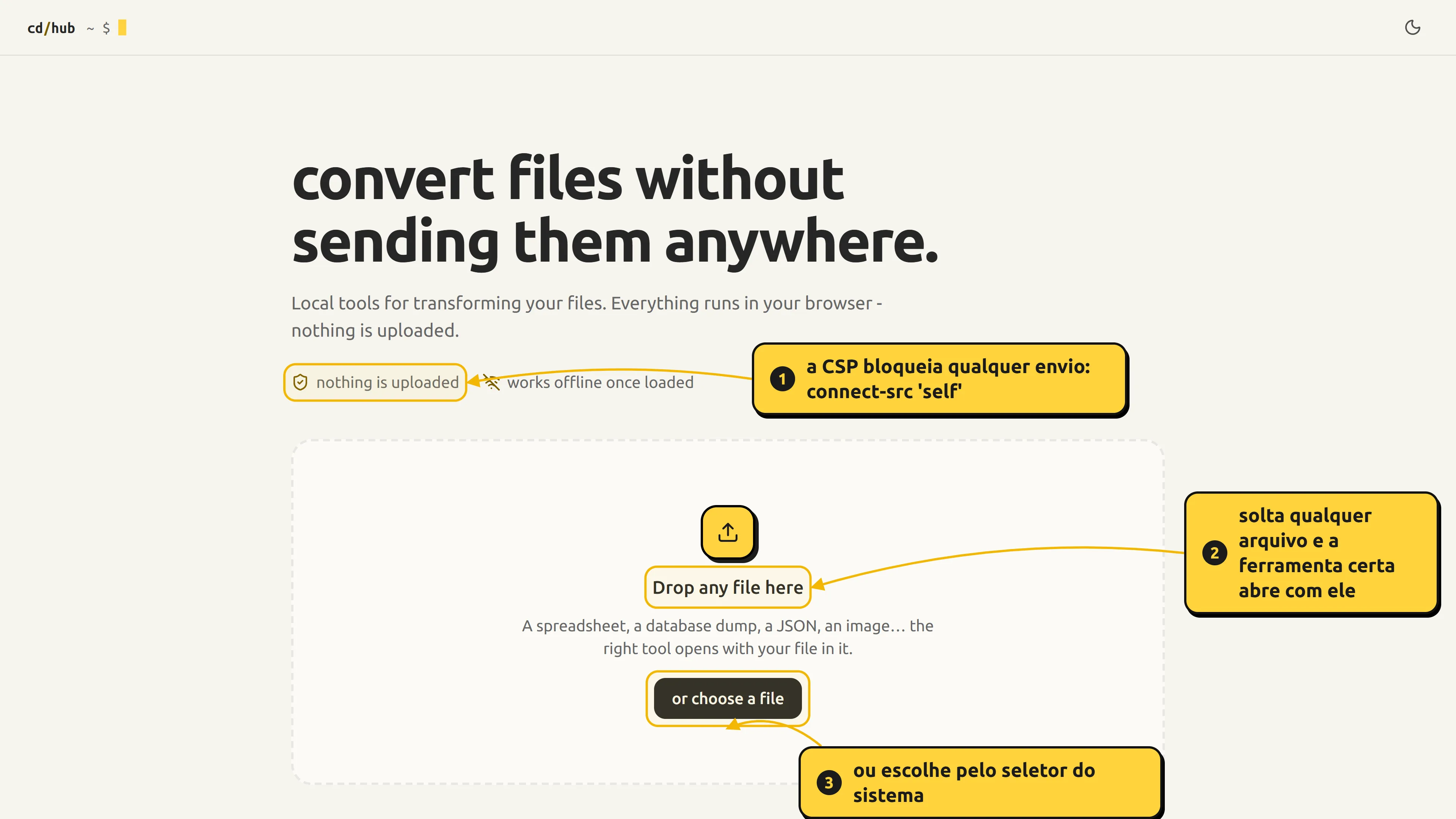
the home page is a catalog of tools. you can also just drop a file on it: the hub picks the tool by extension, keeps the file in memory and takes you there.
there are six tools, each with its own route:
| tool | route | reads | writes |
|---|---|---|---|
| spreadsheets | /spreadsheet | XLSX, XLSM, XLS, XLSB, ODS, CSV, TSV | XLSX, CSV, JSON, Markdown, SQL |
| SQL | /sql | dumps from 24 engines, SQLite databases (with WAL), Firebird 2.x to 5 files and gbak backups, SQL Server backups | SQL, CSV, XLSX, JSON, JSON Lines, Markdown |
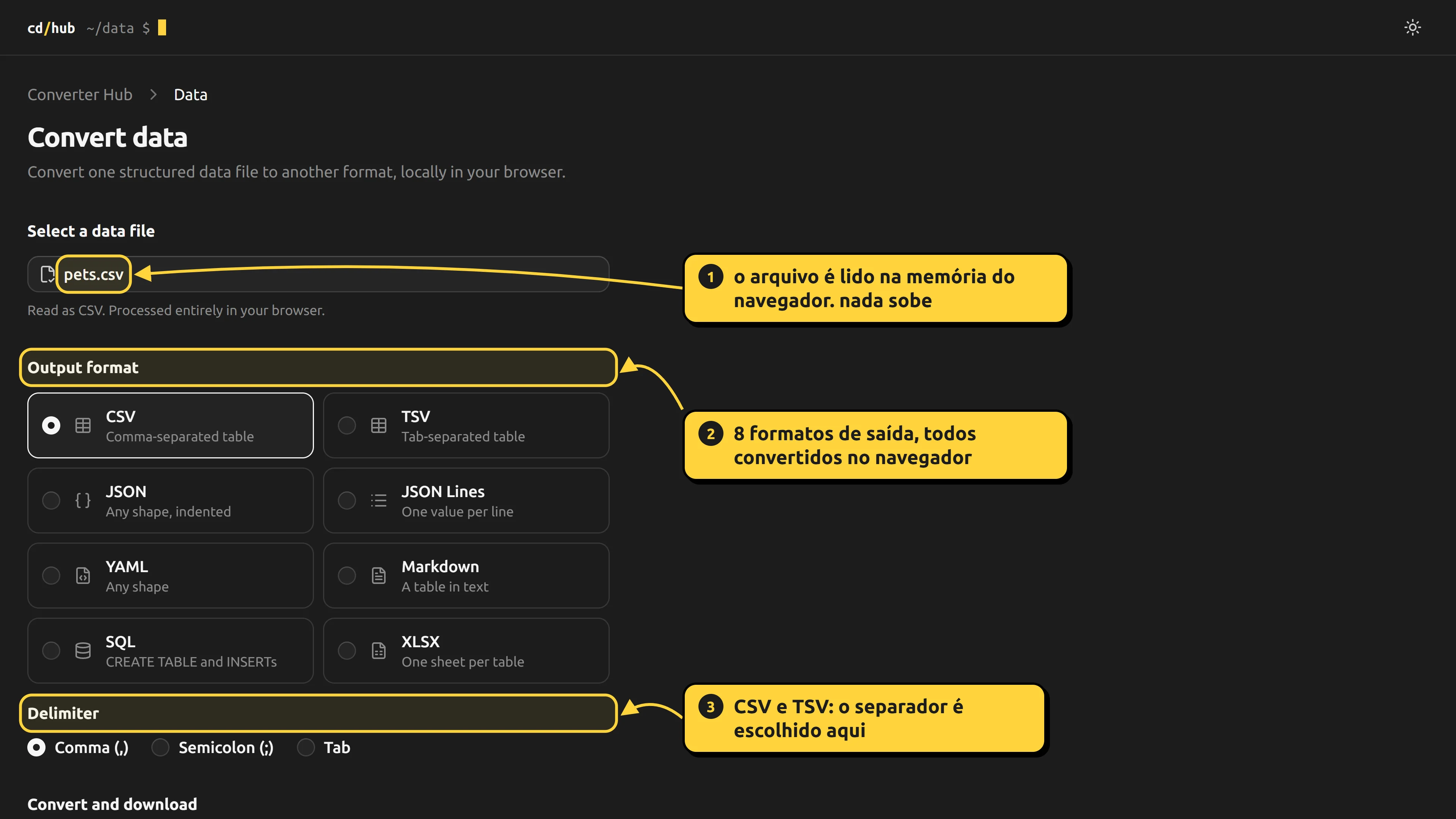
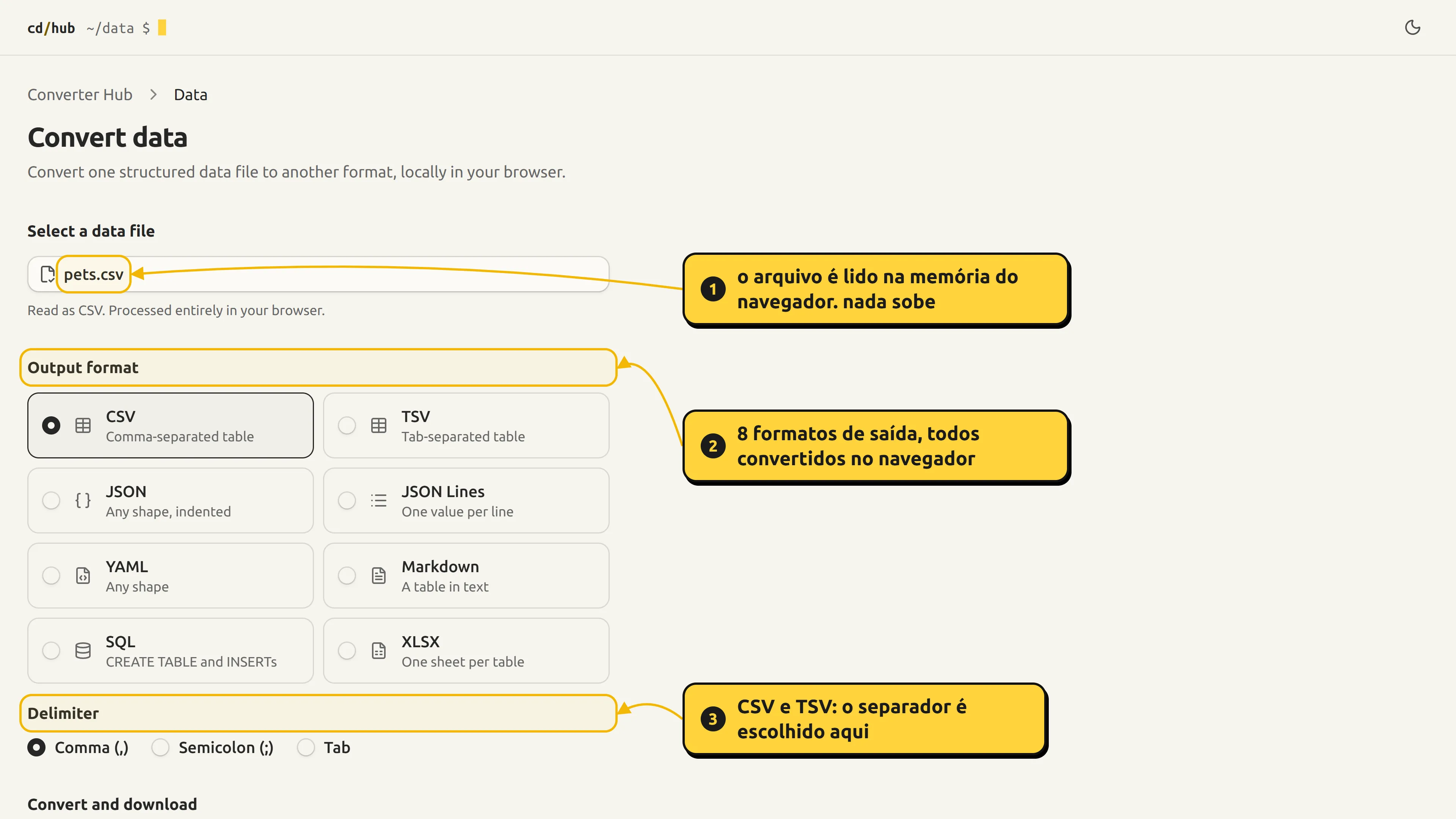
| data | /data | CSV, TSV, JSON, JSON Lines, YAML, XML | CSV, TSV, JSON, JSON Lines, YAML, Markdown, SQL, XLSX |
| markdown | /markdown | Markdown, HTML | HTML, Markdown |
| JSON to TypeScript | /json-to-typescript | JSON | TypeScript |
| images | /image | SVG, PNG, JPEG, WebP, AVIF | PNG, JPEG, WebP |
in the data tool, once a CSV is loaded, the result is ready for you to pick an output format and download:
how it works under the hood#
the repository is a monorepo with two parts that don't mix: packages/core (parsing and writing, no I/O and no UI) and apps/web (the Next.js interface). there's also a CLI, for the SQL tool only.
file on disk
   │  file.text() / file.arrayBuffer()        (in the tab, no network)
   ▼
detect by content ─► parser ─► normalized model ─► writer ─► Blob ─► download
                     └──────── packages/core: no I/O, no UI ────────┘
the web app just connects the ends: it takes the File, calls the core and hands the result back as a download (a Blob with URL.createObjectURL).
the catalog lives in one place#
apps/web/lib/tools.ts describes each tool once:
{
  id: 'spreadsheet',
  name: 'Spreadsheets',
  tagline: 'Split a multi-sheet workbook into one file per sheet.',
  href: '/spreadsheet',
  source: ['XLSX', 'XLSM', 'XLS', 'XLSB', 'ODS', 'CSV', 'TSV'],
  output: ['XLSX', 'CSV', 'JSON', 'Markdown', 'SQL'],
  // …
}
the home cards, titles, breadcrumbs and route metadata all come from that list. only tools that already have a route get listed: the hub never shows off what doesn't exist yet. adding a tool is one catalog entry and one route.
the data tool: read into a value, write from a value#
the simplest way to convert any format into any other is to go through a middle ground. in apps/web/lib/data-convert.ts, everything becomes a plain JavaScript value and is then written in the output format:
const content = await writeData(
  await readData(text, input),
  output,
  name,
  options,
)
readData has a case per input format (csv, tsv, json, jsonl, xml, yaml), and writeData one per output format. a few details that make a difference:
- JSON, JSON Lines and YAML take any shape of data. CSV, TSV, Markdown, SQL and XLSX need a list of flat records. a nested document gets refused, because flattening it would mean picking a shape for you.
- the CSV delimiter is detected from the header line, and values stay text (
007stays007). - YAML is read with the
yamllibrary, whose default alias limit refuses a document that expands into a huge graph from a few bytes. - XML is read with the browser's own
DOMParser, which runs nothing and fetches no external entity, into one fixed shape (@attribute,#text, a list for a repeated element).
the SQL tool: one parser per dialect#
a SQL dump is read as text. each database engine is a parser behind a small interface in packages/core/src/parser/shared/format-parser.ts:
export interface FormatParser {
  format: DatabaseFormat
  parse(sql: string): SqlDump
  readColumns(createStatement: string): string[]
  readDataBlock(statement: string): DataBlock
  countDataRows(statement: string): number
}
dialect-specific SQL lives only under parser/<format>/. everything above it (the extractor, the generators and the UI) works on the normalized model. so supporting another engine means writing one parser and registering it, with no changes anywhere else.
detection plays it safe. it first finds the family from markers the whole group shares, then the member from markers only that product writes. if markers from two families show up and it can't tell them apart, it gives no answer instead of guessing. and a format is only advertised as supported once it has a parser, a synthetic fixture and tests: a matrix test drives every one of them through detection, parsing and all three exports.
a SQLite database without executing anything from the file#
a SQLite database is binary, so it's opened by a SQLite engine (wa-sqlite, in WebAssembly) running in the tab. the file goes into an in-memory file system and is opened read-only:
const db = await sqlite3.open_v2('db', SQLite.SQLITE_OPEN_READONLY, 'memory')
// stops the file's own views and triggers from calling functions with side effects
await sqlite3.exec(db, 'PRAGMA trusted_schema=OFF')
the tool tells a dump from a database by content, not by name: a file that starts with the SQLite header (or comes with a -wal) is a database, and anything else is read as a dump. a text file renamed to .db is still text.
if you select the -wal alongside it, the recent rows are included, and the tool says so. there's no hand-rolled WAL parser: a real SQLite applies the log. a -wal with a bad checksum gets refused, because SQLite on its own would treat it as empty and quietly export the database without its newest rows.
binary formats without the original engine#
Firebird .fdb files and gbak .fbk backups are parsed straight from the on-disk structure, following Firebird's own source code, with no Firebird at all. a SQL Server backup is a Microsoft Tape Format container around the database's own 8 KB pages: the core finds the first page, sweeps the file for data pages and reads the catalog from them, restoring nothing. what the core can't read (a Firebird table with an ARRAY column, an encrypted backup) shows up as unreadable or is refused with the reason, never guessed at.
the browser is what keeps it private#
the app sends a Content Security Policy from apps/web/next.config.ts:
"default-src 'self'",
`script-src 'self' 'unsafe-inline' 'wasm-unsafe-eval'`,
"connect-src 'self'",
"object-src 'none'",
"base-uri 'self'",
"form-action 'self'",
"frame-ancestors 'none'",
connect-src 'self' and form-action 'self' leave no route for a dependency to ship the file out, and wasm-unsafe-eval exists for the SQLite engine. the 'unsafe-inline' on scripts is a trade-off I made on purpose: without it you need a nonce, which forces every page to render dynamically and gives up the static prerender. since no user-supplied HTML is rendered, nothing is read from the URL and there's no server, the attack it would defend against has nowhere to enter.
decisions#
a core with no I/O and no UI. parsing and writing are pure code, testable without a browser. the CLI and the web app import the same core.
refuse, don't guess. the limit is checked by size, before a single byte is read: a dump over 250 MB or a spreadsheet over 100 MB is rejected with a message, instead of running out of memory halfway. a lossy format warns about what's lost before exporting. and a format with a caveat but nothing lost doesn't warn, so nobody gets used to ignoring the warning that actually matters.
no guessing types. SQLite has no date type, so an integer that looks like a timestamp stays an integer. CSV goes through the same writer as the other tools, which neutralizes a leading =, +, - or @ in a cell.
no library where the browser already does the job. the image tool uses none: the browser decodes through an Image, draws onto a canvas and encodes with canvas.toBlob. an SVG is loaded through <img> from a Blob URL, where the browser runs no script and fetches no external resource. JPEG is painted onto white, since it has no transparency, and AVIF is only read, not offered as an output.
file names can't be trusted. a sheet name from the file becomes an entry name in a ZIP, so path separators, leading dots and control characters are handled.
status and next steps#
the six tools on the home page work and have tests (Vitest). the repository's quality gates require types, lint, formatting, tests and build to pass. four more text tools (Base64/hex/URL, identifier styles, timestamps and colors) are built and tested in the core but kept off the home page, in apps/web/app/_parked, until they get a place.
limits I own up to:
- reading isn't streaming: a dump becomes a single string, so peak memory is a multiple of the file (hence the 250 MB ceiling);
- each parser understands what the engine's own dump tool writes, it isn't a universal SQL parser;
- the spreadsheet tool splits by sheet: values and formulas survive in XLSX, but colors, borders and column widths don't. it isn't a spreadsheet editor;
- random HTML doesn't convert to markdown perfectly.